Streaming Essentials
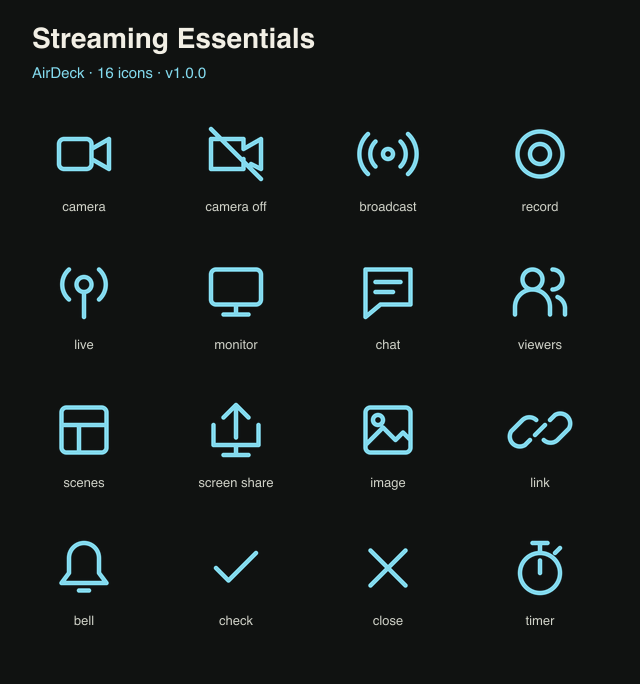
16 ice blue icons for recording, scenes, camera, chat and live production.
Install on your phone
In AirDeck, open Settings → Icon packs → Browse packs to install directly.
To import a download, choose Settings → Icon packs → Install icon pack and select the .deckIcons file. Your new icons appear in the deck button editor.
This pack contains images only and needs no PC connection or capability permissions.